
Quick Start Guide Videos
Some amazing new features in your app are ready to shine! Watch below for quick start demos that show how to boost engagement and spark creativity at your club with these great new enhancements.
Have questions? Email support@gallusgolf.com
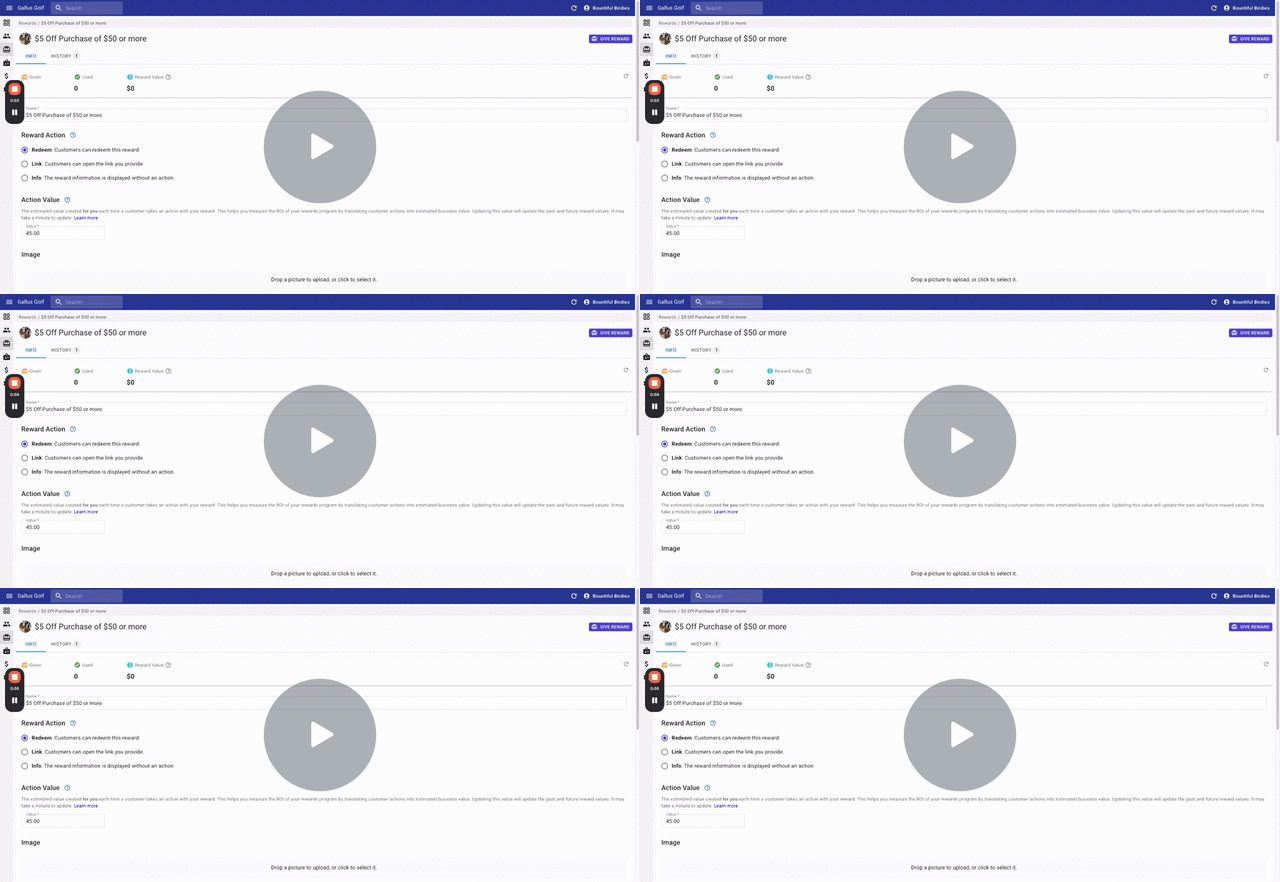
NEW REWARD ACTION OPTIONS
We’ve added now options when creating rewards to work for other use cases:
- The standard Redeem option will still allow users one-time redemptions or multi-use redemptions.
- NEW - Link Action rewards are not redeemable, but the action is to let users click a button to access a link or other page you’ve created in the app. An example of this is an invite-only event where only certain customers should have access to the registration.
- NEW - Info Action rewards are digital vouchers not meant to be redeemed. You can use this action when you want to give users info that only they should see. Examples could be Wifi access info, or a Voucher they can display for unlimited use and doesn’t have to be redeemed.
- Watch the video above to see it in more detail
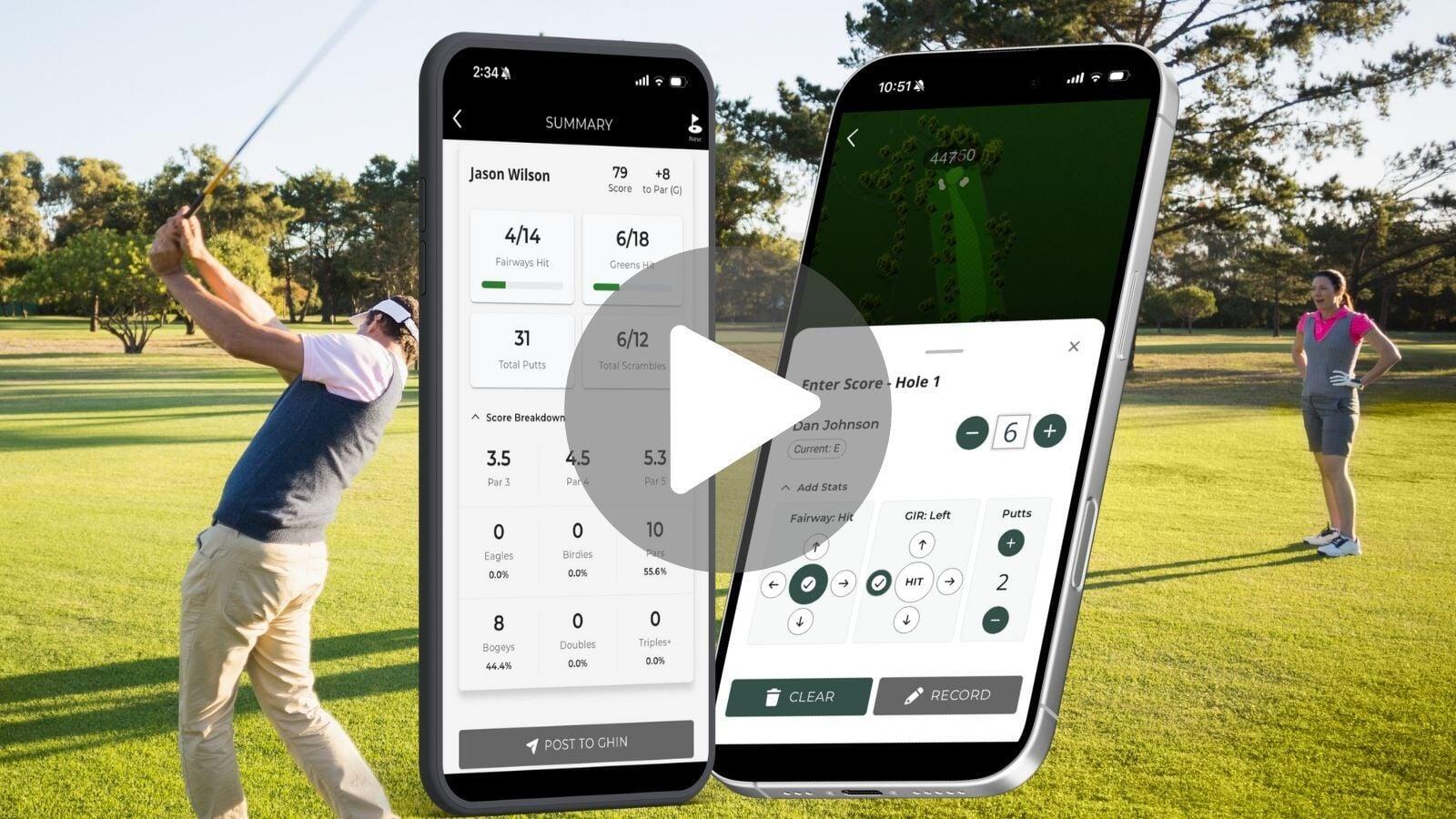
NEW SCORING STAT TRACKING
Many of you have been asking for this and now you have it!
- Golfers can track their scoring stats each round, including Fairway Accuracy, Greens In Regulation, and Total Putts.
- Golfers will see a Stats Summary at the end of each round.
- They will also be able to track aggregate stats over time.
- They can filter by date, courses, and even share their stats with friends or their teaching pro.
- Watch the video above to see it in more detail
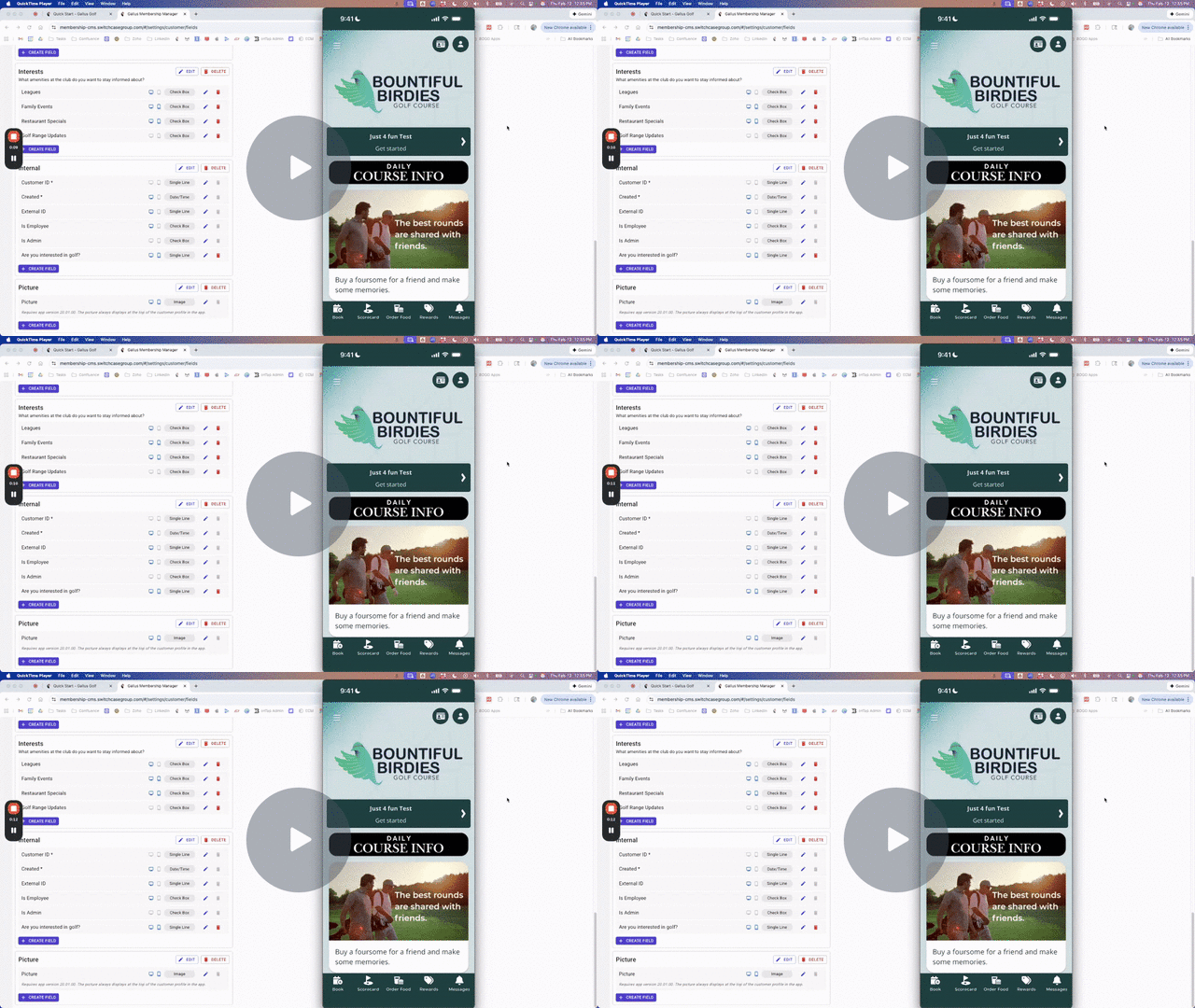
NEW PROFILE PICTURE SUPPORT
You now have the ability to enable Profile Pictures in the app and have it displayed on Membership Cards. Your App Must Be On version 20.01 or higher.
- This can be configured in Customer Settings in your Customer Dashboard
- When enabled, a customer’s profile picture will display on their profile details page and also on any active membership cards.
- If you have digital membership cards with member photos, this presents a new digital option.
- Profile photos can be added by the customer, by the course staff, or imported with the assistance of your Gallus account manager.
- Watch the video above to see it in more detail
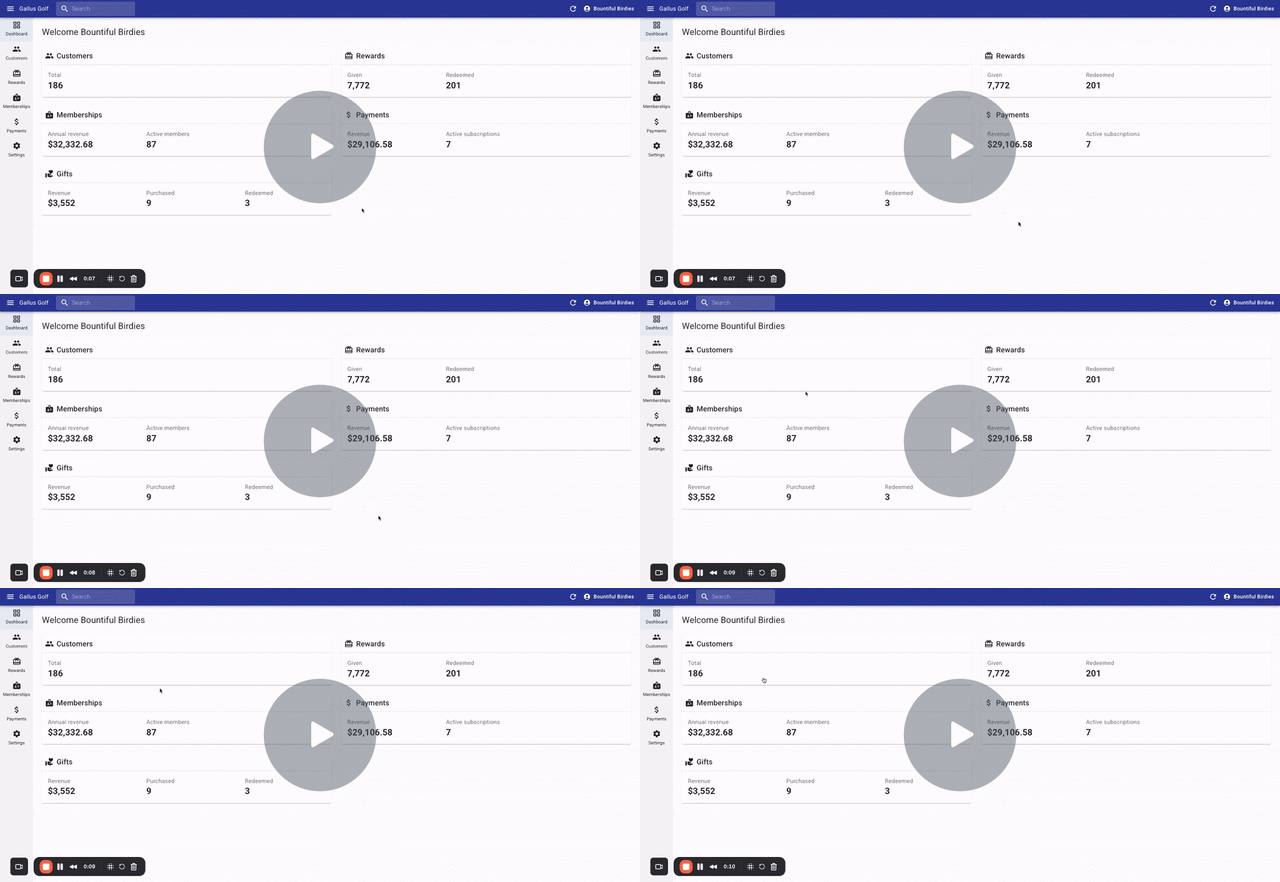
INTRO TO CUSTOMER DASHBOARD
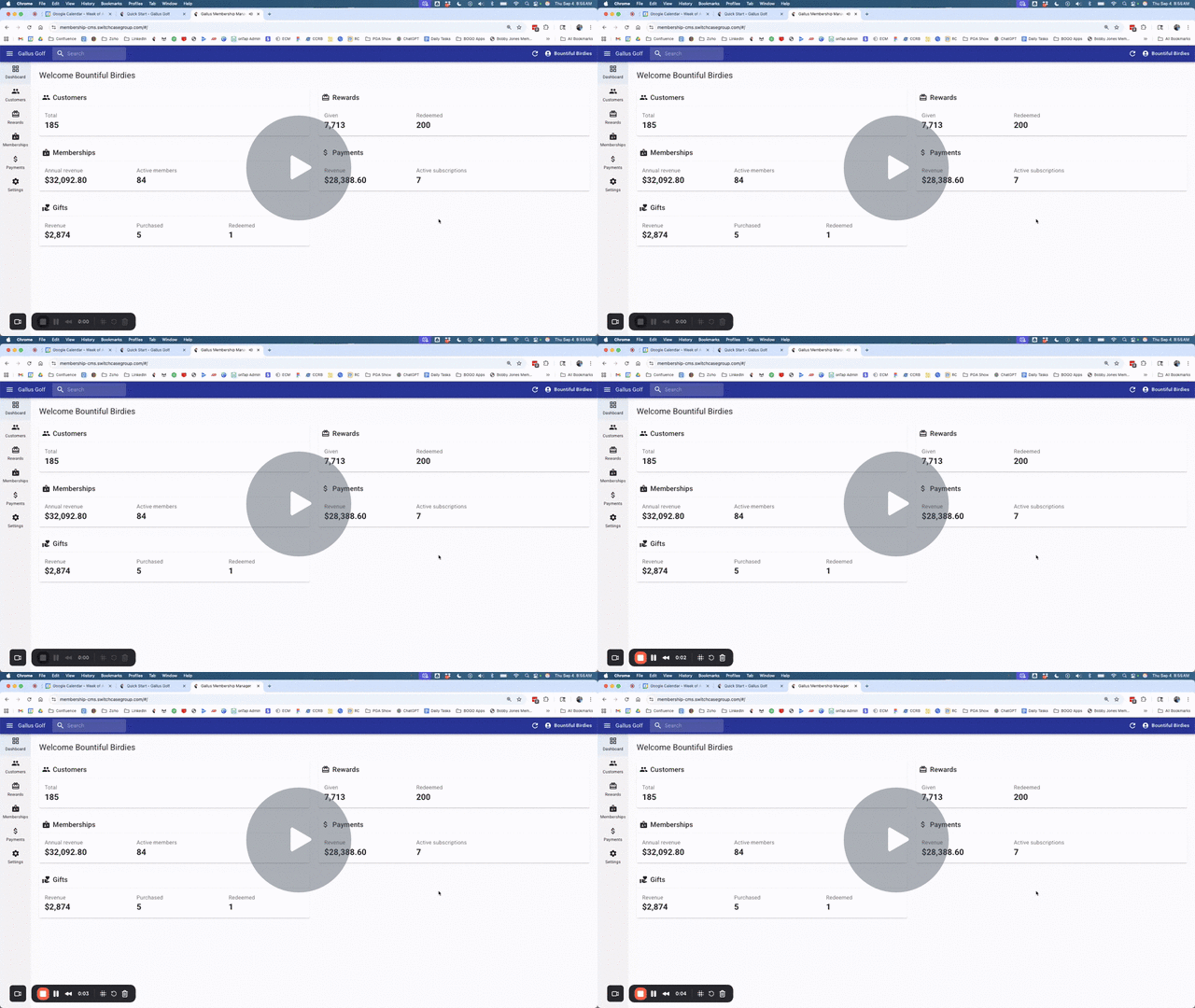
Your Customer Dashboard is like a window to learn more about your app users. You can:
- View overall metrics of Customers, Sales Revenue, Gifting Revenue, Rewards Activity, and more
- View a complete list of all customers and attributes associated with them
- Send or schedule Push Notifications to all customers, or segment to a specific group of customers
- Watch the video above to see it in more detail
INTRO TO REWARDS
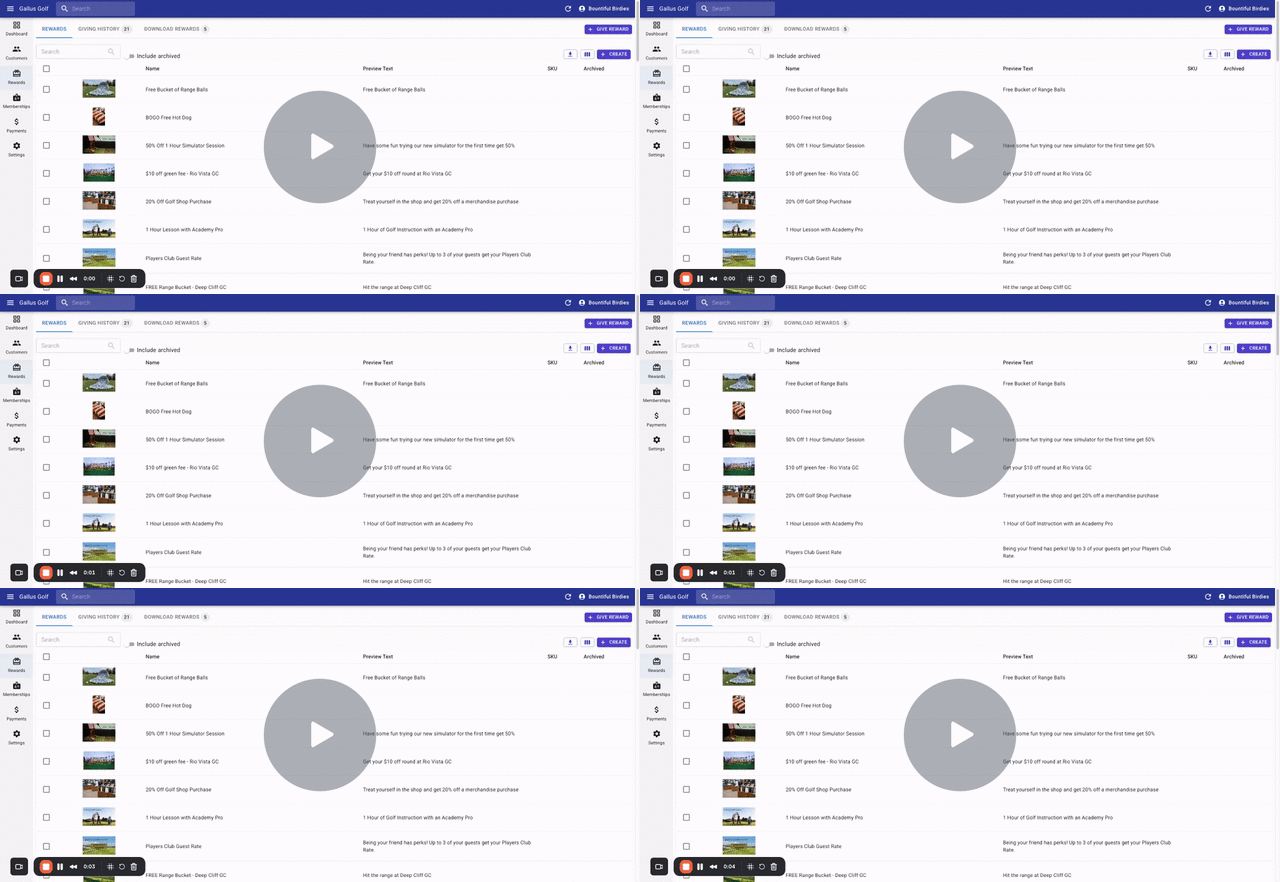
You can create Rewards or Digital Vouchers for single use or with recurring memberships. You can:
- Create new rewards
- View rewards activity
- Add rewards to specific customers
- Send Push Notifications to customers based on Reward activity
- Watch the video above to see it in more detail
INTRO TO GIFTING
You can create Gifting options for anything you are selling through the Membership system. You can:
- Enable a gifting price or prices that users can select when buying for a friend
- View gifting activity
- View gifting revenue
- Create gifting codes for manual gifts
- Watch the video above to see it in more detail